Fast Connection Guide
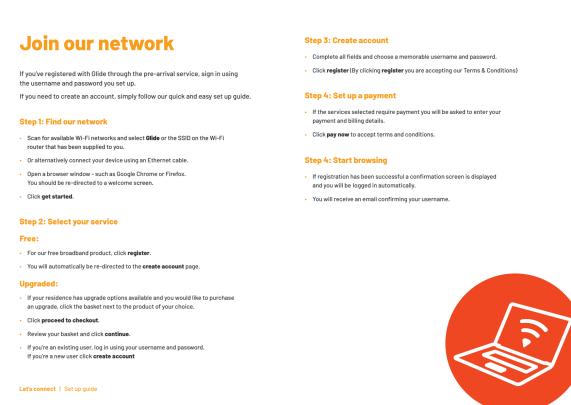
1. LOCATE YOUR NETWORK
Search for the Network name (SSID), which corresponds to your apartment number
Enter the Password (PSK) provided to you at your check-in appointment*
Please do not remove the router from the utility room
2. OPEN YOUR BROWSER - GLIDE LOGIN PAGE WILL APEAR
(If the Login Page doesn't appear try going to a website like www.bbc.co.uk, or call Glide on 0333 123 1190)
3. FOLLOW THE INSTRUCTIONS TO CREATE A FREE ACCOUNT
You’re done
* If you have lost the password, please contact your property manager and they will re-send it to you.
For upgrade options visit:
my.glideresidential.co.uk/registration
Search for the Network name (SSID), which corresponds to your apartment number
Enter the Password (PSK) provided to you at your check-in appointment*
Please do not remove the router from the utility room
2. OPEN YOUR BROWSER - GLIDE LOGIN PAGE WILL APEAR
(If the Login Page doesn't appear try going to a website like www.bbc.co.uk, or call Glide on 0333 123 1190)
3. FOLLOW THE INSTRUCTIONS TO CREATE A FREE ACCOUNT
You’re done
* If you have lost the password, please contact your property manager and they will re-send it to you.
For upgrade options visit:
my.glideresidential.co.uk/registration